How to Choose an Audio Interface for Live Streaming: A Guide for Game, E-commerce, and Talent Streaming
Choosing the right audio interface for live streaming means taking several factors into account. This guide breaks down key considerations—like channel count, phantom power, latency, and software features—to help you find the best audio interface for your specific streaming style and budget.
With the surging popularity of live streaming, high-quality audio has become essential. Whether you’re gaming, selling online, showcasing talents, or performing music, great sound instantly elevates your stream’s professionalism and appeal. The audio interface—connecting your mic to your computer—is a critical piece of this puzzle. This guide offers a clear, practical framework to help streamers, content creators, and audio enthusiasts choose the audio interface that best fits their needs.
Quick Reference: Key Buying Points
- Latency: For gaming: <10 ms. For professional production: <5 ms
- Connection Type: Beginners: USB (6–12 ms latency). Professionals: PCIe (3–8 ms latency)
- Channels: Basic: 2-in/2-out. Professional: 4-in/4-out
- Phantom Power: Necessary 48 V (standard range: 44–52 V) for condenser mics
- Budget Range: Entry: $45–120. Midrange: $120–300. Pro: $300+
- System Compatibility: macOS generally delivers better latency than Windows; Linux requires checking for driver support
Background: What to Know Before You Buy
Understanding a few basics will help you make a smart choice. An audio interface isn’t just a “sound converter”—it’s a sophisticated piece of audio gear.
What Is a Live Streaming Audio Interface?
A streaming audio interface is an external device designed specifically for live streaming. It converts analog signals (from your mic or instrument) into digital signals your computer can process and send to your streaming platform. Unlike generic audio interfaces, models made for streaming focus on real-time performance, flexible features, and sound processing.
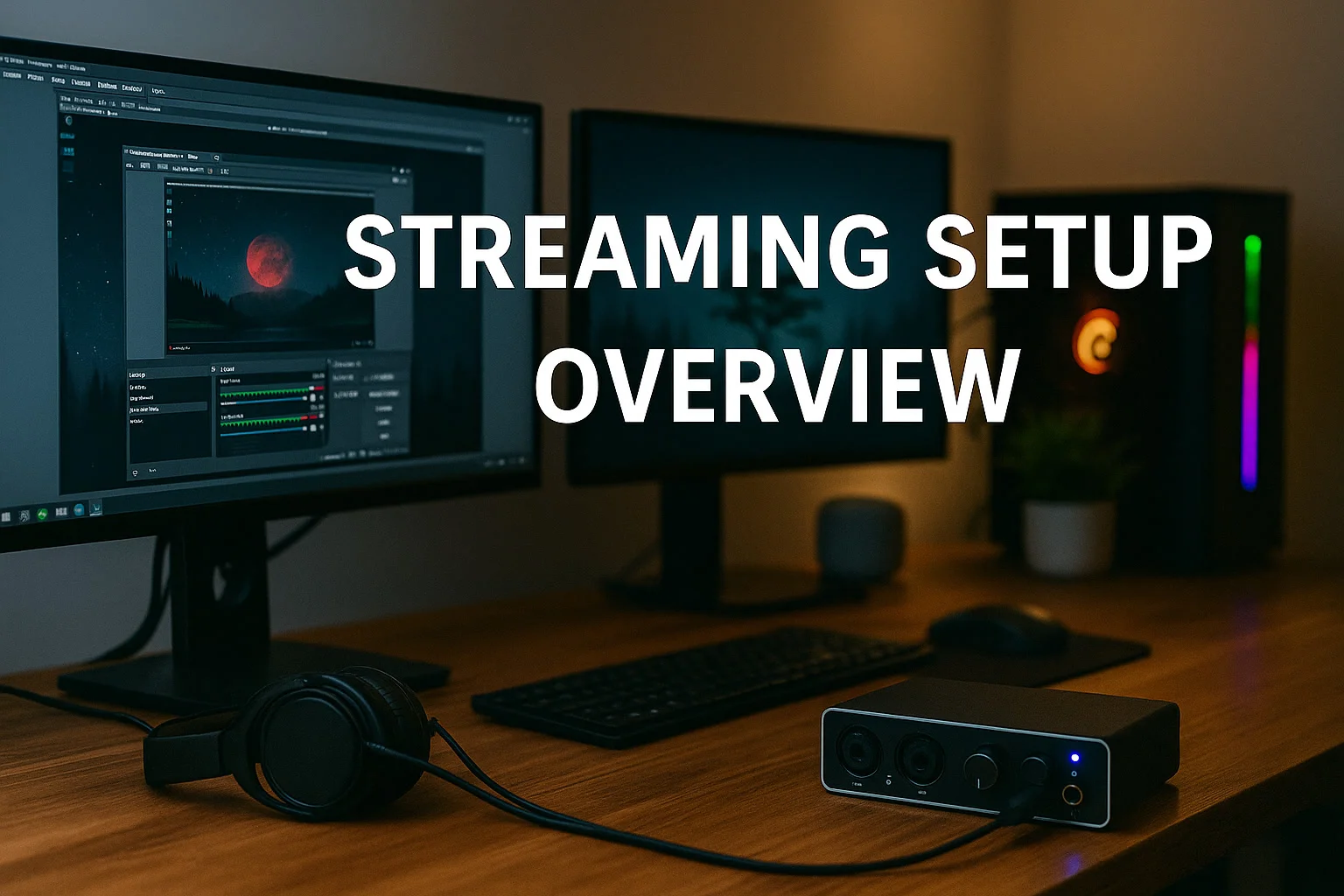
Technically, every audio interface includes both an analog-to-digital converter (ADC) and a digital-to-analog converter (DAC). When you speak into a mic, sound waves are turned into electrical signals, digitized by the ADC, and sent to your computer. On playback, the DAC turns digital signals into analog sound for your headphones or speakers.
A top-notch audio interface maintains audio fidelity during this process, usually adds preamps, EQ, compressors, and often includes a digital signal processor (DSP). These features let you tweak, mix, and enhance your sound in real time—making streaming more professional and enjoyable.
How to Choose: Step-by-Step Selection Process
Our three-step approach: Identify Your Scenario → Compare Key Specs → Match to Your Budget.
Step 1: Know Your Streaming Needs
For Gaming:
- Prioritize low latency (<10 ms round-trip) to keep audio synced with video
- Need to handle and mix multiple audio sources (game sound, music, chat)
- Must filter out unwanted keyboard and mouse clicks
- Reliability for long sessions is important
For E-Commerce Streams:
- Crisp, clear voice with presence
- On-the-fly sound enhancement controls
- Built-in sound/voice effects for excitement
- Compact, easy setup (especially for mobile streaming)
For Music & Talent Streams:
- High-res audio (at least 24-bit/48 kHz)
- Instrument input (Hi-Z) support
- Direct (zero-latency) monitoring
- Studio-grade preamps
Step 2: Focus on Crucial Specs
USB Audio Interfaces vs. Internal PCIe Interfaces
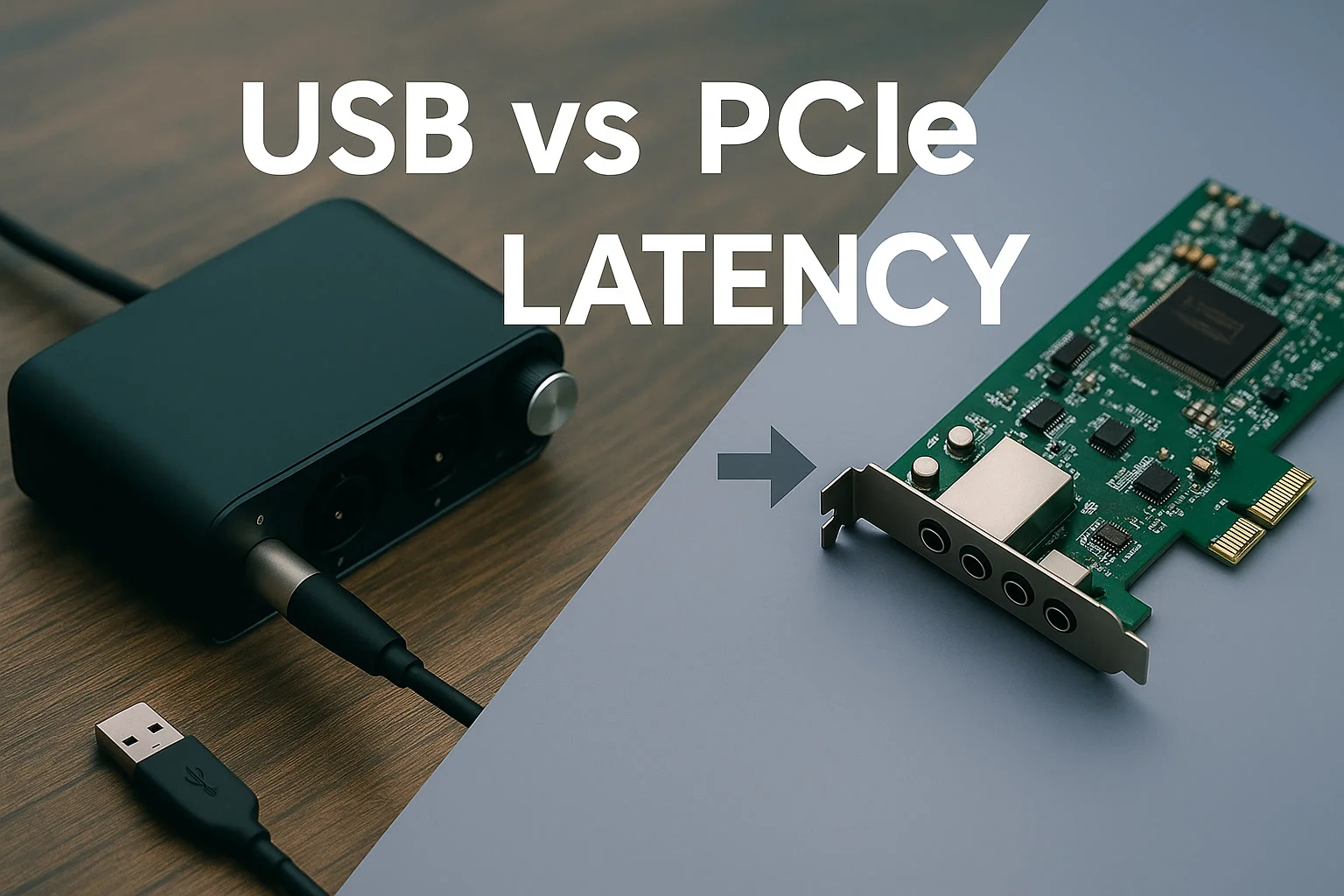
Professional testing data1 show these main differences:
| Feature | USB Audio Interface | PCIe/Internal Audio Interface |
|---|---|---|
| Round-trip Latency (128 sample buffer) | 6–12 ms | 3–8 ms |
| Maximum Channels | 8–16 | 16–32 |
| Phantom Power | Dependent on USB bus power | Dedicated, stable power supply |
| Portability | Plug-and-play, highly mobile | Installed inside PC |
| Setup | Easy for beginners | Requires technical installation |
Why Go USB?
- Easy: No need to open your computer case
- Portable and simple to connect across devices
- Most entry-level and midrange units can supply phantom power for condenser mics
USB Limitations:
USB 2.0 has 480 Mbps bandwidth. In practice:
- Eight channels at 24-bit/192 kHz audio use about 35 Mbps
- Four channels at 24-bit/96 kHz use about 18 Mbps
- Two channels at 16-bit/48 kHz use about 3 Mbps
Although USB 2.0 suffices in most cases, problems may arise if many devices (cams, lighting, etc.) compete for USB bandwidth—possible audio glitches or dropouts. For pro setups, aim for USB 3.0 or a dedicated USB controller2.
PCIe/Internal Interface Pros:
- Tighter, lower-latency performance (down to 3–5 ms)
- No clutter from wires
- Not affected by USB bus power
OS and Driver Considerations
Your operating system impacts audio performance:
Windows:
- Best latency via ASIO drivers (5–10 ms typical)
- Standard WDM/DirectSound: higher latency (20–50 ms)
- Some gear requires installing additional drivers
macOS:
- Core Audio typically delivers 30–50% lower latency than Windows on equivalent hardware
- Class-compliant devices often work plug-and-play
- Good system-wide driver support
Linux:
- Support varies: check for ALSA/JACK compatibility
- Pick interfaces with confirmed Linux drivers
- Latency and stability depend on your Linux distribution3
Inputs & Outputs: How Many Channels?
Basic Setup:
- 1–2 mic inputs
- 1–2 line inputs (phone, tablet, etc.)
- 1 output for your streaming app
- 1 headphone monitoring output
Pro Setup:
- 4+ input channels (for multi-host, instruments, backup mics)
- Separate outs for multi-track recording
- Aux outputs for auxiliary devices
Professional reviews (e.g., Sound on Sound)4 suggest that 4-in/4-out covers most advanced streaming.
Step 3: Phantom Power (48V) Essentials
Why Phantom Power Matters
Most large-diaphragm condenser mics need 48 V phantom power (standard: 44–52 V)5. Without it, condenser mics won’t deliver usable sound.
Different Ways to Provide Phantom Power
Dedicated Power Supply:
- Each channel can be toggled on/off
- Usually powered by its own adapter
- Delivers stable voltage, suitable for fussy high-end microphones
- Found in midrange and pro gear
USB Bus-Powered Phantom Power:
- Boosts 5 V from USB up to 48 V via internal circuitry6
- Convenient; just plug into your computer
- May suffer voltage dips if overloaded
- Standard on most affordable USB interfaces
USB interface phantom power quality depends on internal circuit design—not just the power source.
Recommendations by Budget & Use
Entry-Level ($45–120)
Best for: Voice streams, casual gaming
What to look for:
- 2-in/2-out
- USB connectivity
- Phantom power support
- Simple monitoring
Typical latency: 8–15 ms (128 buffer)
Recommended models:
- Behringer U-Phoria UM2: Budget-friendly, covers basics
- PreSonus AudioBox USB 96: Reliable starter option
- Audio-Technica AT2020USB+: Mic and interface all-in-one
Midrange ($120–300)
Best for: Pro gaming and e-commerce streaming
What to look for:
- 4-in/4-out
- Dedicated monitor controls
- Zero-latency direct monitoring
- Included software mixer
Typical latency: 5–10 ms (64 buffer)
Specs: SNR >110 dB, THD+N <0.01%
Recommended models:

- Focusrite Scarlett 4i4 (4th Gen): Industry standard, wide compatibility
- MOTU M4: Excellent AD/DA conversion, clear monitoring
- Audient iD4 MkII: Pro-level preamp at good value
Professional ($300+)
Best for: Music production, advanced content creation
What to look for:
- 8-in/8-out or better
- Studio-grade preamps
- Clean, reliable phantom power
- Professional software bundle
Typical latency: 3–6 ms (32 buffer)
Specs: SNR >120 dB, THD+N <0.001%
Recommended models:

- RME Babyface Pro FS: Ultra-low latency, reference quality
- Universal Audio Apollo Twin: Built-in DSP for plug-ins
- Antelope Audio Zen Tour: Character sound and robust monitoring
Setting Up Monitoring: Tips for Clarity
Great monitoring makes great streams. Zero-latency monitoring lets you hear yourself live, with no delay, by routing your mic’s sound straight through the interface’s analog circuit7.
Recommended outputs:
- Main mix: To your streaming platform
- Separate monitor: For your headphones so you can hear your own voice or mix
- Aux outs: For backup recording or other gear
For more examples and scenario solutions, see PAWPAW’s Live Streaming Application Scenarios.
Frequently Asked Questions
Is an Audio Interface Worth It for Streaming?
Absolutely. Superior audio attracts viewers and keeps them engaged. A quality interface makes your voice clearer, fuller, and more professional. If you care about features like live mixing, effects, or noise reduction, an interface isn’t optional—it’s necessary.
Internal vs. USB Audio Interface: What’s the Difference?
Internal (PCIe) interfaces typically run with 3–8 ms latency; USB models usually get 6–12 ms. PCIe gear is more stable and doesn’t occupy ports, but USB interfaces are easy to install and portable—just plug and play.
How Should I Choose Based on My Streaming Focus?
Pick based on what you stream:
- Gaming: Low latency (<10 ms), ability to mix multiple sources, noise reduction
- E-commerce: Clean vocals and instant sound controls for converting viewers
- Music/performance: Pristine audio, instrument support, studio features
Get the features that matter for your main activity.
Why Is Phantom Power Important?
If you use a condenser microphone, you need reliable 48 V phantom power or it simply won’t work properly. Stable phantom power ensures your mic delivers the best possible sound.
Should I Invest in Dedicated Monitoring?
Yes—having a good monitoring setup helps you catch problems before your audience hears them. Zero-latency monitoring lets you hear yourself in real time, making your performance smoother and more confident.
Why Does Channel Count Matter?
More channels let you connect and control multiple audio sources at once—for example, voice, game sound, and music—adjusting each independently. For most advanced streaming, 4-in/4-out is plenty.
Conclusion & Top Buying Tips
To wrap up: the right audio interface makes all the difference in your stream’s sound and your audiences’ experience. Use this process:
- Pinpoint your streaming needs
- Focus on latency, channel count, phantom power, and compatibility
- Choose a model that matches your budget
Summary of tips:
- Gaming: Prioritize low latency and multi-source handling
- E-commerce: Focus on clear voice and ease of use
- Music: Seek high-resolution sound and studio-quality preamps
- Budget: Entry 300–800 RMB, midrange 800–2000 RMB, pro 2000+ RMB
Remember, the best audio interface is the one that suits how you actually stream—not just the most expensive. Check user reviews and expert opinions before buying to ensure it fits your long-term needs.
References
Footnotes
-
Sound on Sound. “Audio Interface Latency Testing Methodology”, 2023 ↩
-
Gearspace. “USB vs PCIe Interface Latency Megathread”, 2023 ↩
-
Reddit LinuxAudio. “USB Audio Interfaces and Latency Performance”, 2024 ↩
-
Sound on Sound. “Focusrite Scarlett 4th Generation Review”, 2024 ↩
-
Sweetwater. “What is Phantom Power and why do I need it?”, 2023 ↩
-
Music Stack Exchange. “How can USB 2.0 audio interfaces support phantom power through USB alone?”, 2022 ↩
-
Sweetwater. “Direct Monitoring vs. Input Monitoring”, 2023 ↩
Subscribe to Our Newsletter
Be the first to know about our latest news and product releases.
No spam. Unsubscribe at any time.
Read More
View All →
Deconstructing Sound: On‑Device AI Vocal Removal
August 19, 2026
Best Practices for Audio Capture in Large Conference Rooms (2025)
July 31, 2025
DSP Hardware vs. Software in Remote Meetings: Who Ensures Sound Quality?
July 15, 2025
From Lightning to USB-C, Have Power Supply Issues for Portable Audio Interfaces Been Solved?
July 11, 2025
Stanford University Releases the AI Index Report 2025: Key Takeaways for Businesses
June 30, 2025
What is Digitally Variable Directional Microphone?
June 20, 2025News
Stay updated with the latest news, product releases, and industry insights from Pawpaw Technology.
View AllLet's Work Together!
Creating products with outstanding sound
Let's Work Together!
Room 507, Block B, Phase I Tianan Innovation and Technology Plaza Futian District, Shenzhen, China
New Business
sales@pawpaw.cnTechnical Support
support@pawpaw.cn